
The technical rundown of a Meta Martis program, system by system. What each part does, what it needs from you and how the pieces connect, from the tape on your shelf to searchable, protected files.
8concurrent captures per FlyPack
5,000tape hours a month per FlyPack
24/7migration, every frame monitored
60 sto start downloading any file from Meta8
FlyPack videotape migration
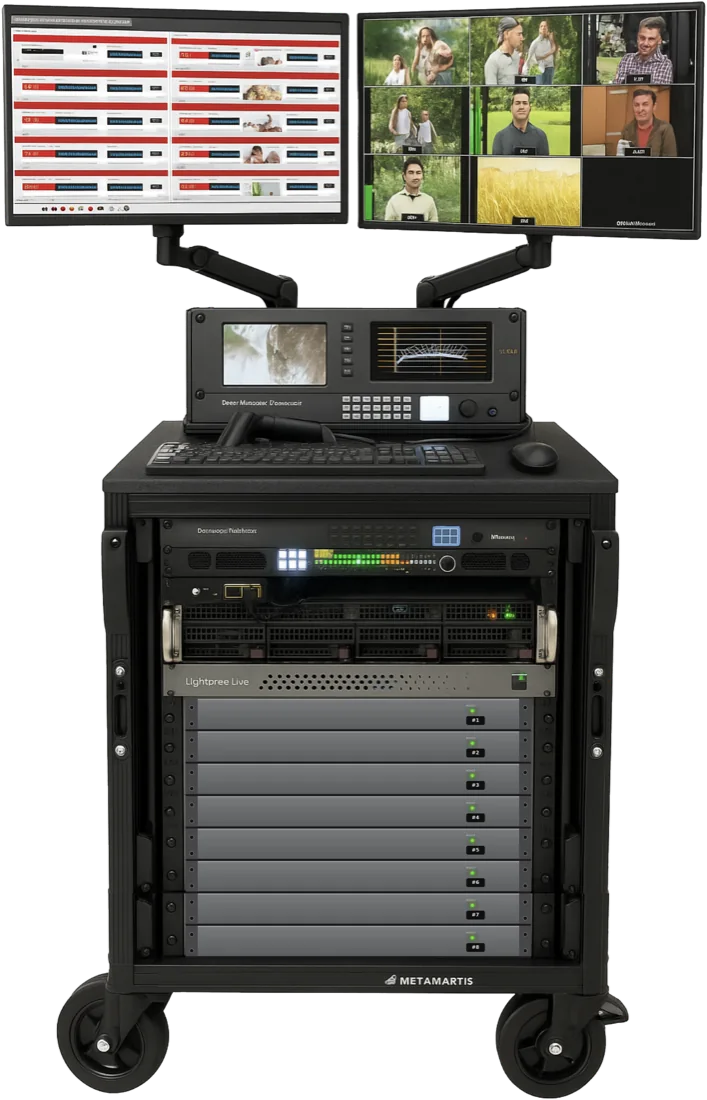
A rolling migration system installed in your facility. It controls eight VTRs and captures them at once, in real time.
- Channels: 8 concurrent SDI captures, one VTR per channel
- Throughput: 5,000 tape hours a month per FlyPack, running 24/7
- Formats: set by the decks fitted. Betacam family as standard, with 1-inch and U-matic when needed
- Capture: automated signal analysis and correction, real-time QC, checksums
- Outputs: file of record, working file in your broadcast format, viewing proxy
- Metadata at capture: naming and provenance written as each file is made
- On-board storage: up to 1 PB on a single unit
- Scale: more FlyPacks run in parallel
PreFlight cataloguing
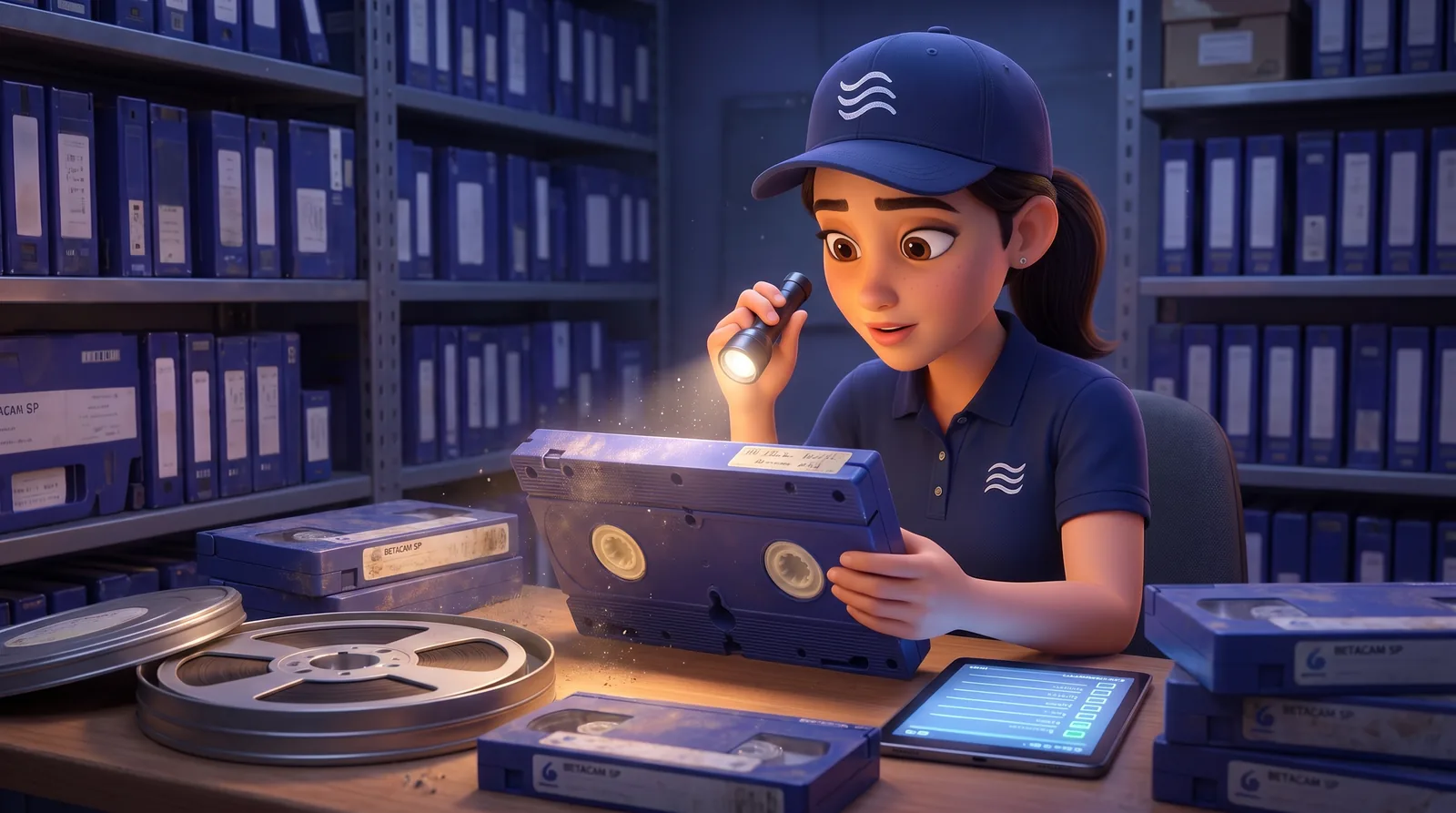
AI cataloguing that prepares every item before it reaches the FlyPack.
- Media: professional videotape, film, photographs and hard drives
- Method: image recognition and AI synthesis, with a choice of capture methods
- Inspection: every item checked physically; hard drives get a full file list
- Disposition: ready for migration, or marked for cleaning, dehydrating or repair
- Rights checks: integrations with RightsLine, FADEL and other rights databases
- Output: complete inventory with title and barcode export, carried into FlyPack
- Needs: archive access and Wi-Fi, or a local network we set up
- Languages: English, French, Spanish and Portuguese
LTO migration
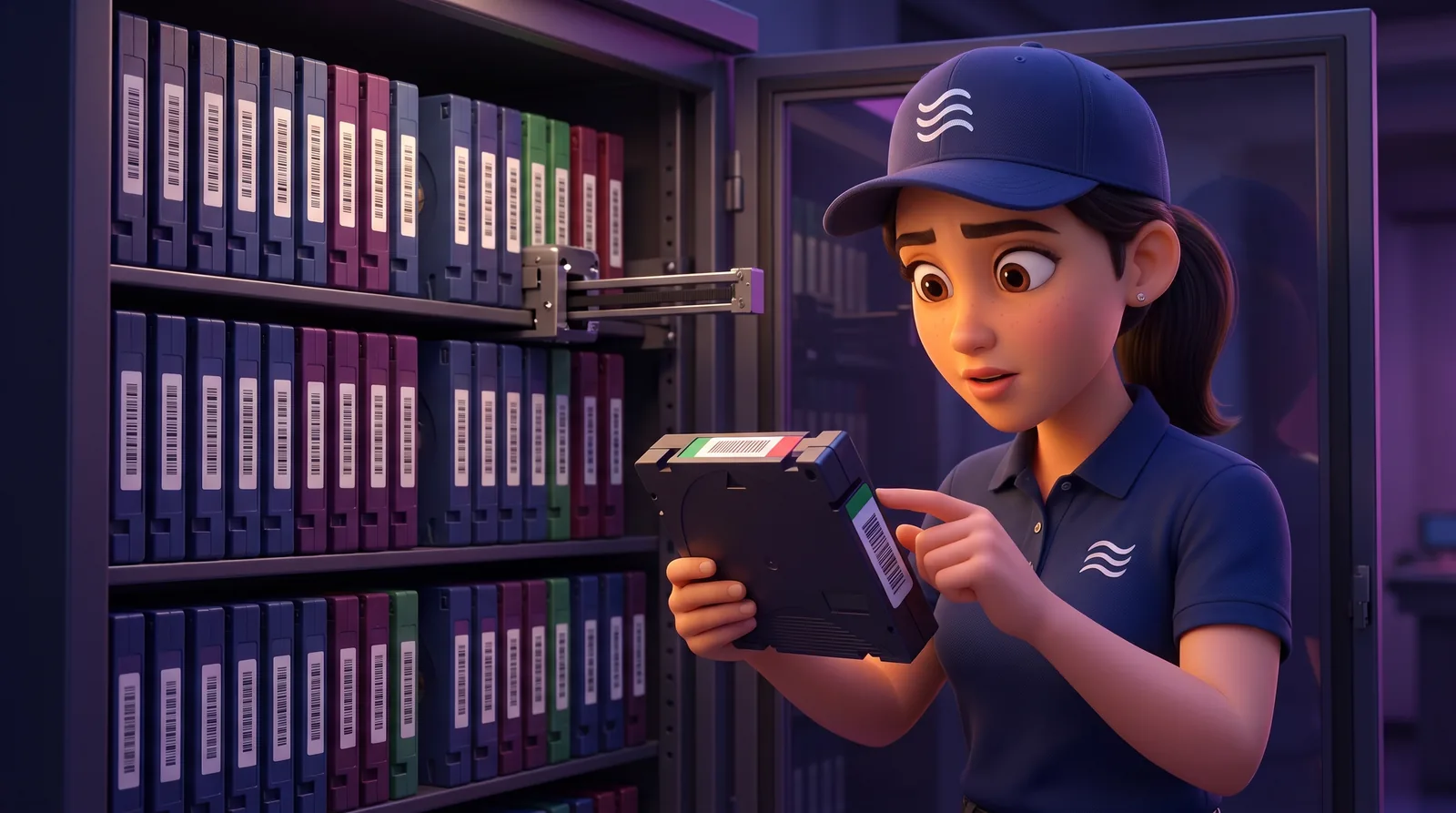
Data off every LTO generation on your shelf, verified file by file.
- Drives: the mix your library needs, LTO-3 through LTO-9
- Survey: library and catalogue export, generation census, read-test sampling
- Restore path: checked against your existing DIVA, CloudFirst or other stack
- Extraction: through your archive management stack or ours
- Verification: checksum off the tape and again on landing
- Exceptions: unreadable media listed and handled separately
- Dependencies: readable media, working drives, archive software, catalogs and encryption keys
Amplify AI indexing
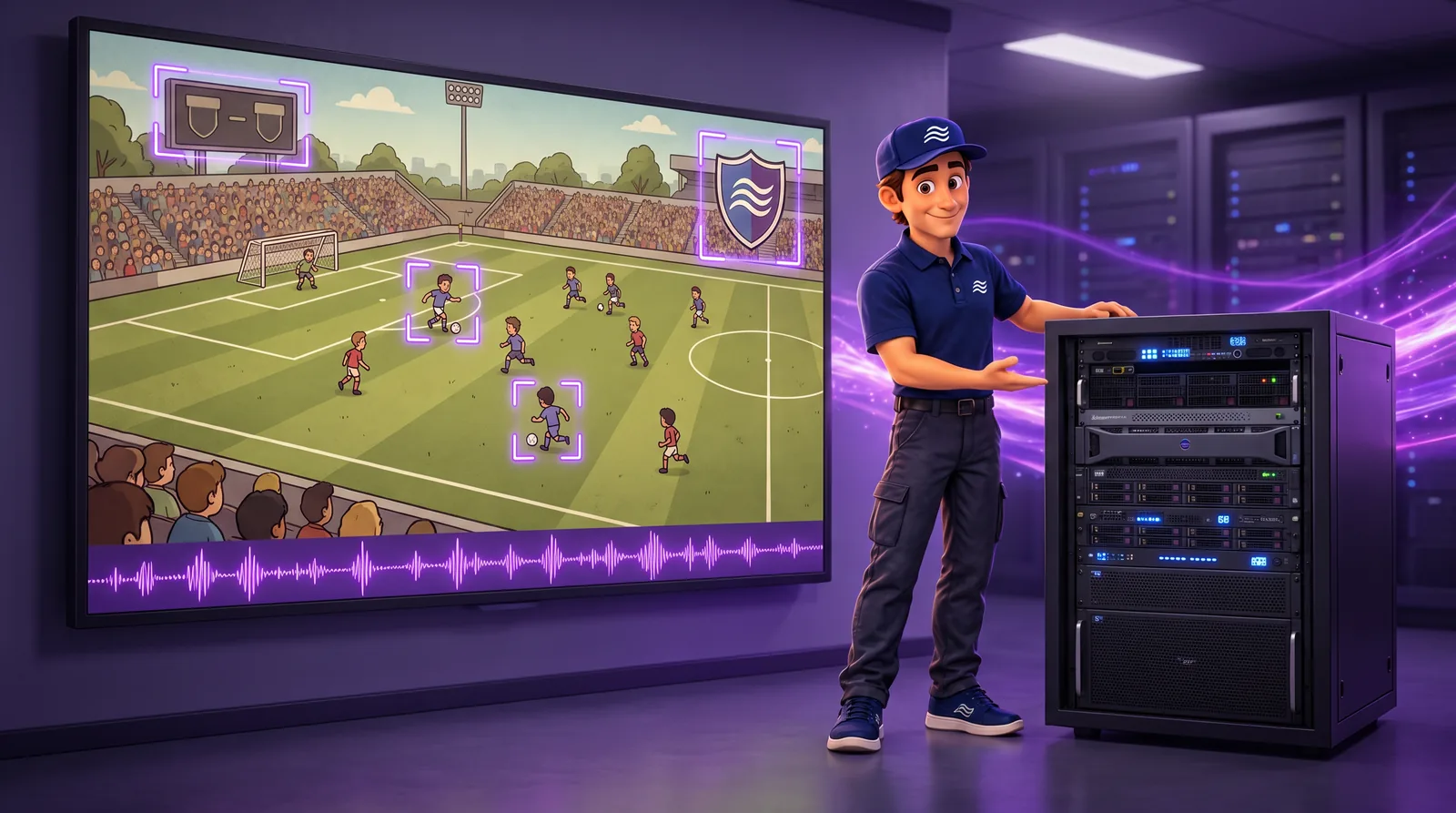
Every captured hour is indexed as it lands, on premises.
- Engine: Amplify Seiri on a GPU server sited with your storage
- Detects: speech and transcripts, faces and people, on-screen text, logos and brands, objects and scenes
- Custom: metadata fields for your own catalogue
- Write-back: to your MAM, including DALET, DIVA, Adobe, Elements and Orange Logic
- API: metadata exposed for your platforms
- Capacity: about 1,200 video hours a month per GPU, sized to FlyPack throughput
Storage
 ALTO, on premisesDisk archive in your facility. Idle media powered down, non-proprietary formats, air-gapped copy option. Purchased.
 Meta8 private cloudAny file within 60 seconds, no egress fees, managed second copy for 3-2-1, from 2 PB. Equinix, colocation, multi-site or on premises. Rented.
- Integrity: verification and monitored replication
- Recovery: documented backup and restore paths
- Transfer: full transfer time depends on file size and bandwidth
Orchestration and delivery
- Orchestration: workflow monitoring across migration, indexing, storage and delivery
- Packaging: transcode and packaging profiles per destination
- Metadata: mapping and export with rights and technical fields
- Exceptions: handled and tracked per file
- Destinations: broadcast, social, web, episodic and licensing partners
- Access: search across metadata, compliance support, governed access, API
Deployment requirements
| Equipment | One FlyPack rack on wheels, about the size of a large filing cabinet |
|---|---|
| Space | About nine feet square |
| Power | Three dedicated 20-amp circuits |
| Network | A connection to wherever the files will live |
| Noise | Server-room levels; separation or sound treatment in an occupied room |
| Lead time | Five to seven weeks from order, including shipping and customs |
| Start-up | About a week from delivery to trained operators and first capture |
How an engagement runs
- AssessFree Archive Assessment: formats, volumes, condition and priorities.
- PreFlightEvery item inspected and inventoried, ready for migration or repair.
- Install and trainFlyPack installed in your facility; our operators or your trained staff.
- Migrate and indexEight tapes at a time, 24/7, indexed as files land.
- Store and protectALTO on premises, Meta8 private cloud, air-gapped copy option.
- DeliverPackaged for broadcast, social, web, episodic and licensing use.
- Purchased: ALTO storage and Amplify AI indexing
- Rented (OpEx): FlyPack with PreFlight, and Meta8
- By contract (OpEx): video decks and migration staff
Security and data control
- On premises: tapes never leave the building; migration and indexing run on your network
- Air-gapped: an offline copy no network reaches
- Open formats: files readable without our software
- Your content: no fee to take it back, and we never sell it
Security and data control in detail
Want the numbers for your library? The Free Archive Assessment scopes the deck mix, the number of FlyPacks and the schedule.