
The short answer: catalog every tape before you play it, treat fragile tape first, play each tape once on the right deck in real time with every frame monitored, checksum every file, and index the files as they land so the metadata goes straight into your library. Doing the work inside your own building keeps the tapes, their labels and their order under your control the whole time.
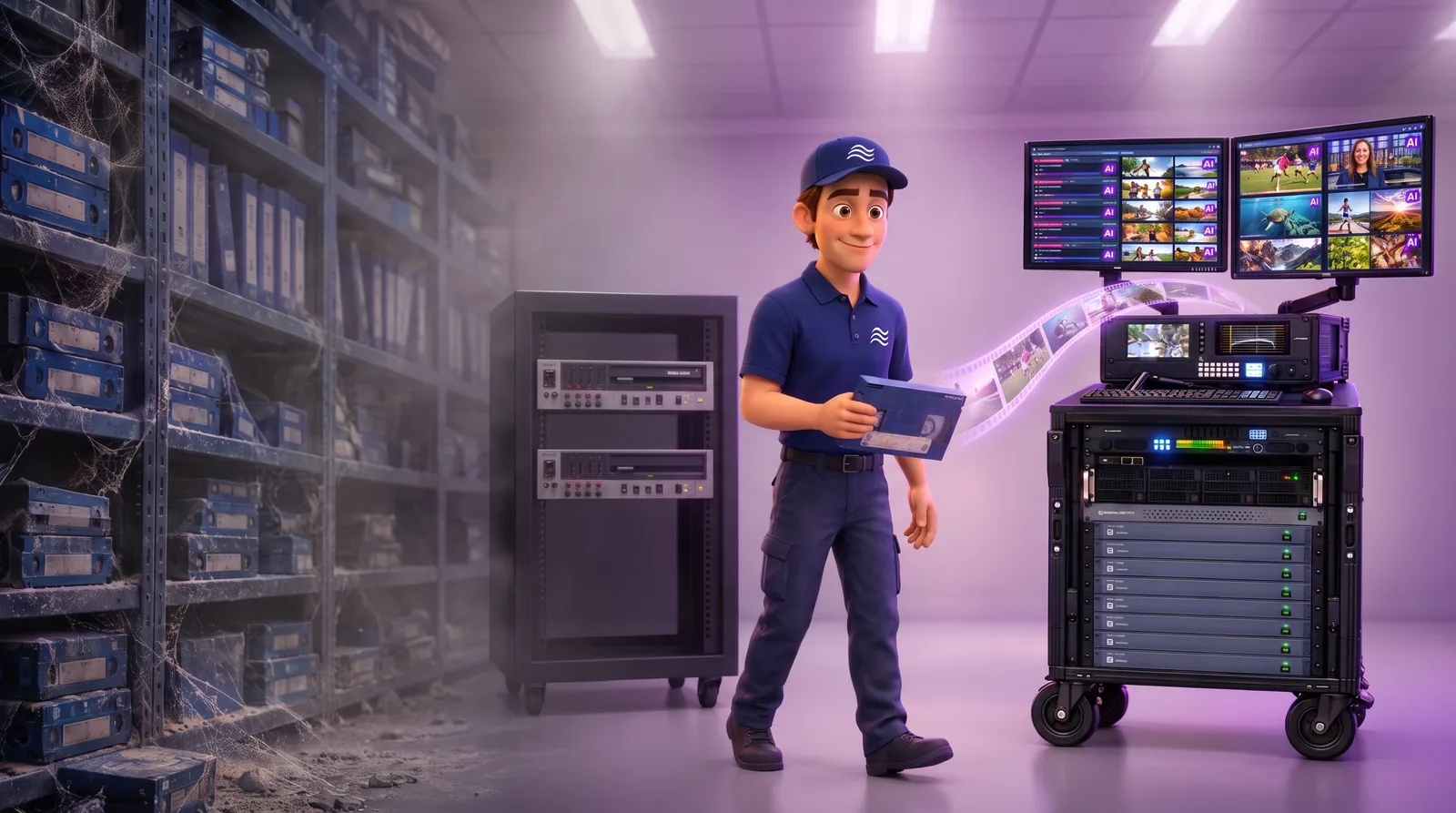
The checklist
| Step | What it protects | How Meta Martis does it |
|---|---|---|
| Catalog every tape first | Labels, barcodes and box notes, often the only metadata a tape has | PreFlight inventory with title and barcode export |
| Treat fragile tape before playback | Tapes that may survive only one play | Cleaning and dehydrating non-metal and damaged tape |
| Play each tape once, in real time | Picture and sound, captured on the right deck | FlyPack, eight tapes at once, every frame monitored |
| Match formats to your systems | Files your team can use without conversion | A working file in your broadcast format plus a viewing copy |
| Checksum every file | Proof that what landed is what was captured | A checksum on every file |
| Index while you migrate | What is on the tape, not only what the label says | On-premises Amplify Seiri, written back to your library |
| Keep custody | The physical archive and its order | The FlyPack runs in your building; tapes never leave |
1. Catalog every tape before migration
For many tapes, the label, the barcode and the notes on the box are the only metadata there is. Capture them before anything is played. PreFlight uses image recognition and AI to inspect and inventory every item, marks each one ready for migration or in need of cleaning or repair, and exports titles and barcodes for the migration. It can also check items against rights databases such as RightsLine and FADEL.
2. Treat fragile tape before the first play
Most archive tapes get one good pass, so plan for that pass to be the one that counts. Non-metal tape, such as original Betacam and 1-inch, and any tape with visible damage are cleaned and dehydrated before playback, so a tape that may not survive a second play is captured on the first.
3. Play each tape once, in real time, on the right deck
Quality starts with the player. Each format needs a working deck in good condition. We own and ship players for the common broadcast formats and source rarer ones as the collection requires; the formats we migrate include the Betacam family, HDCAM, DVCPRO, DVCAM, U-matic and 1-inch. The FlyPack plays eight tapes at once in real time, with every frame monitored as it is captured, and migrates 5,000 tape hours a month running 24/7.
4. Choose output formats that fit your systems
Each tape produces a working file in the broadcast format you already use, such as H.264 in an MXF wrapper, upscaled to HD or up to 4K when needed, and a lightweight viewing copy for search and browsing. Matching the formats to your existing systems means the files are usable the day they land. See Betacam and broadcast tape migration for the formats we cover.
5. Verify every file
Every file is checksummed, so you can show that what landed in storage is exactly what was captured.
6. Index while you migrate, not after
A label tells you what a tape was supposed to hold. An index tells you what is actually on it. On-premises AI indexing finds speech, people, places, logos, on-screen text and scenes as each file lands, separates tapes that hold several stories, and writes the results into the media asset management system your team already searches. Because the index lives in your library rather than on the storage, the archive stays searchable wherever the files end up.
7. Keep the tapes in your building
Shipping an archive out puts the tapes, their order and their chain of custody at risk. The FlyPack is installed in your facility and runs there for the length of the project, and the files land on storage you choose. A deployment needs about nine feet square, three dedicated 20-amp circuits and a network connection.
8. Store the files where they stay usable
Migration is wasted if the files are hard to get back. Meta8 Private Cloud starts downloading any file within 60 seconds, with no egress fees, and Meta8 Plus adds a secondary, air-gapped copy of the whole archive. Teams that want the storage in their own building can use Meta8 OnPrem.
Questions
Does digitizing videotape reduce quality?
The bigger risk is a tape that fails during playback. That is why fragile tape is cleaned and dehydrated first, and why each tape is played in real time on a deck for its format with every frame monitored. The working file is made in the broadcast format your systems use.
How do we keep the metadata from our tapes?
Capture the labels, barcodes and box notes before migration, then index the files as they land. PreFlight inventories every tape with a title and barcode export, and on-premises AI indexing writes what is on each tape into your media asset management system.
How long does it take to migrate a broadcast tape library?
Each FlyPack migrates 5,000 tape hours a month, running 24/7. Larger collections can run several FlyPacks in parallel.
Do the tapes have to leave our building?
No. The FlyPack is installed in your facility and runs there for the length of the project.
What files do we get back?
A working file in the broadcast format you already use, such as H.264 in MXF upscaled to HD or up to 4K, and a lightweight viewing copy for search and browsing.
Tell us your tape formats and counts in the Free Archive Assessment, and we will scope the inventory, decks, FlyPacks and indexing.